Capture
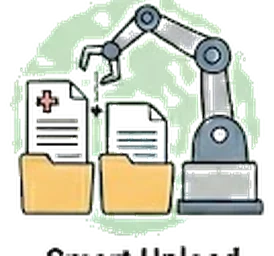
Smart upload
Drop in a doctor letter or discharge sheet. AI classifies it, extracts the dates, and files it where it belongs.
The "where does this go?" tax on every paper
Caregivers receive a steady stream of paper: after-visit summaries, lab printouts, referral letters, prescription discount cards, insurance EOBs. Each one demands a decision — is this a document I file, a date I add to the calendar, a medication change I update? Most apps make you do that triage manually. After a few months, the inbox of unprocessed papers becomes its own source of stress.
One drop zone, AI does the triage
Drag any document into Kintaria’s upload. The AI reads it, decides what kind of document it is, extracts the dates and any structured fields, and files it. A lab report becomes lab values plotted on the medical-history timeline plus the original PDF in the vault. A referral letter becomes a calendar entry plus a document. A discharge summary kicks off the Hospital Discharge playbook. You confirm or correct in one screen; nothing happens silently.
The folder you finally get to
You sit down on Sunday with the manila folder of unprocessed papers from the last six weeks. Drop them in one by one — Kintaria triages each in 5-10 seconds. After 20 minutes, the folder is empty, the calendar has three new appointments, the med list has been updated, and the lab trends have three new data points. You text your sister "all caught up."
More of what Kintaria does
Plain-language visit summaries
Turn a 20-minute doctor visit into something your brother in Seattle can actually read.
Learn more →CaptureVoice line
Call (888) 704-0999 from your registered phone and dictate a note. No app, no sign-in, no typing.
Learn more →CaptureMedical history with lab trends
A1c, blood pressure, kidney function charted over time. The chart you wish the doctor was showing you.
Learn more →Start your free trial.
Free for 12 months for the founding 500 families. No card, no waitlist.